Overview
Need to cancel your MaxiFi subscription? We're sorry to see you go, but this guide walks you through the steps to stop automatic renewal using your account settings. You’ll continue to have full access to your plan and data until your current subscription period ends. Please note: If you’re within 30 days of your original purchase and would like a full refund and immediate cancellation instead, reach out to our support team directly at maxifi@economicsecurityplanning.com with the subject line "Cancel and Refund Request".
To cancel, you must be logged in at https://app.maxifi.com/#/login. You can then follow the steps below to cancel your subscription in just a few clicks.
Forgot your password? See How To Reset Your Password
Need to remove your cancellation? Follow the steps in this guide.
Cancelling Maximize My Social Security instead? See here.
If you are experiencing issues with the cancellation of your account, please contact us at maxifi@economicsecurityplanning.com with the subject line "Cancel Account", and let us know!
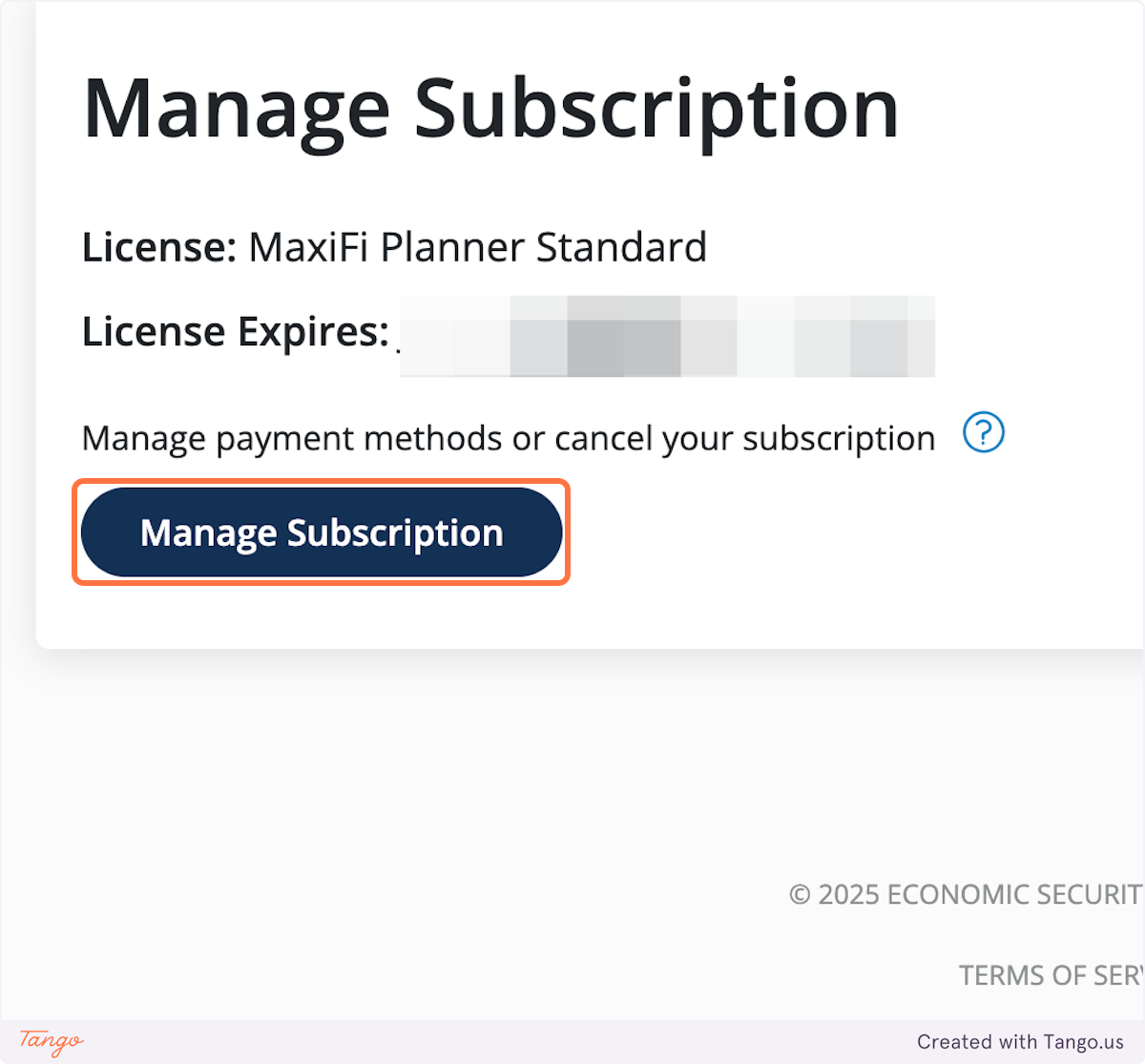
1. Click on Manage Subscription
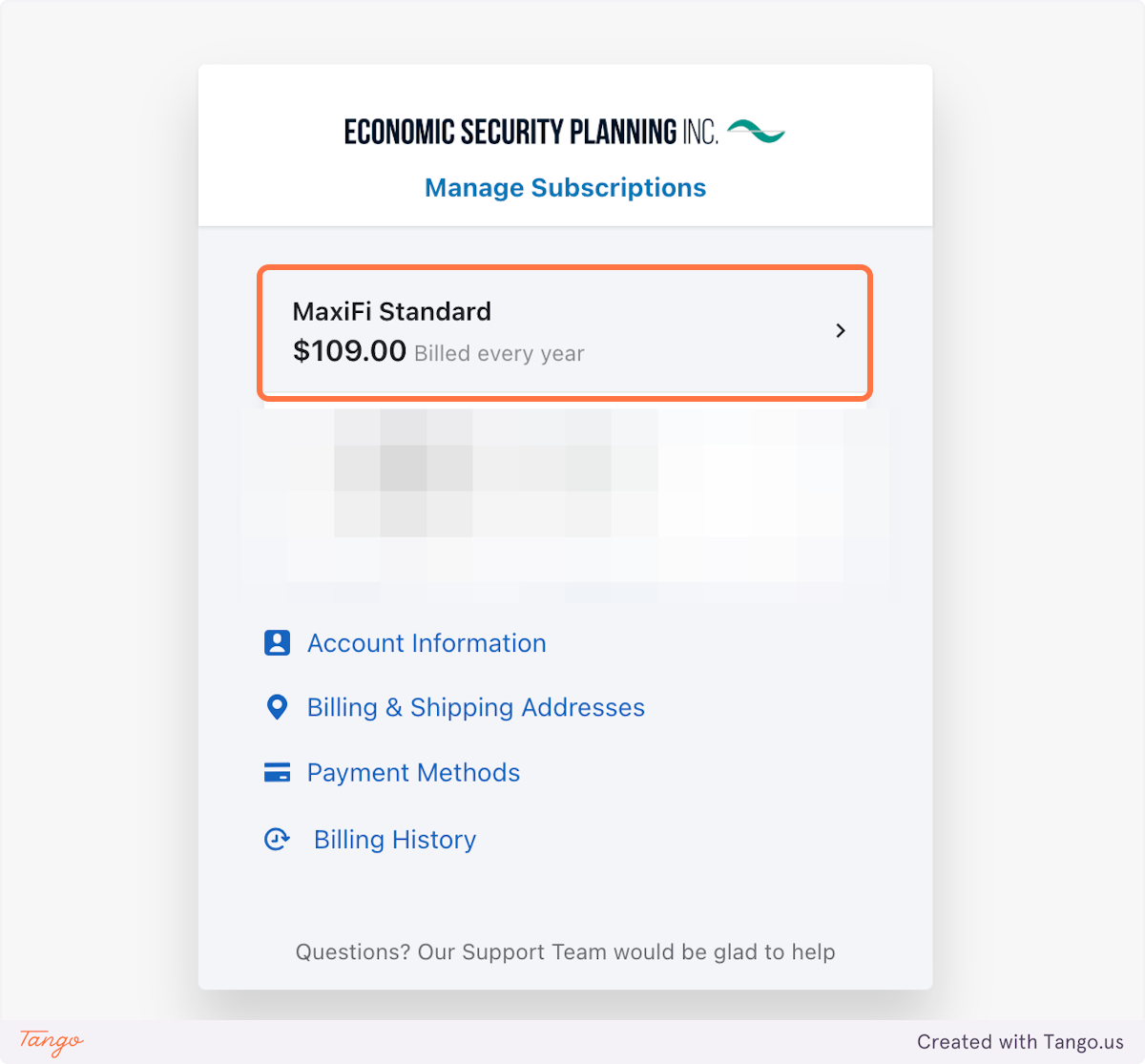
2. Click on your active subscription
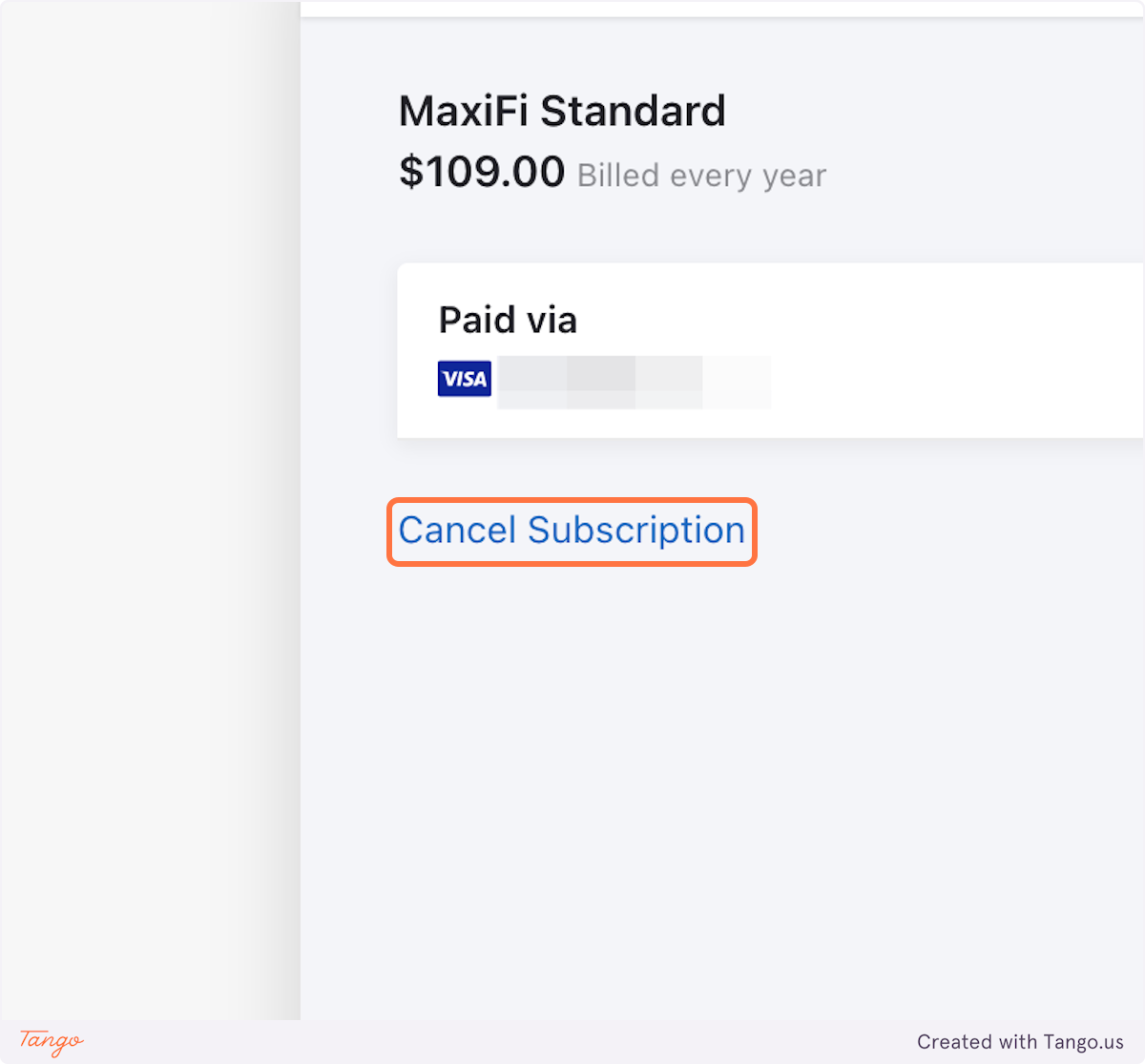
3. Click on Cancel Subscription
4. Select a reason for cancellation
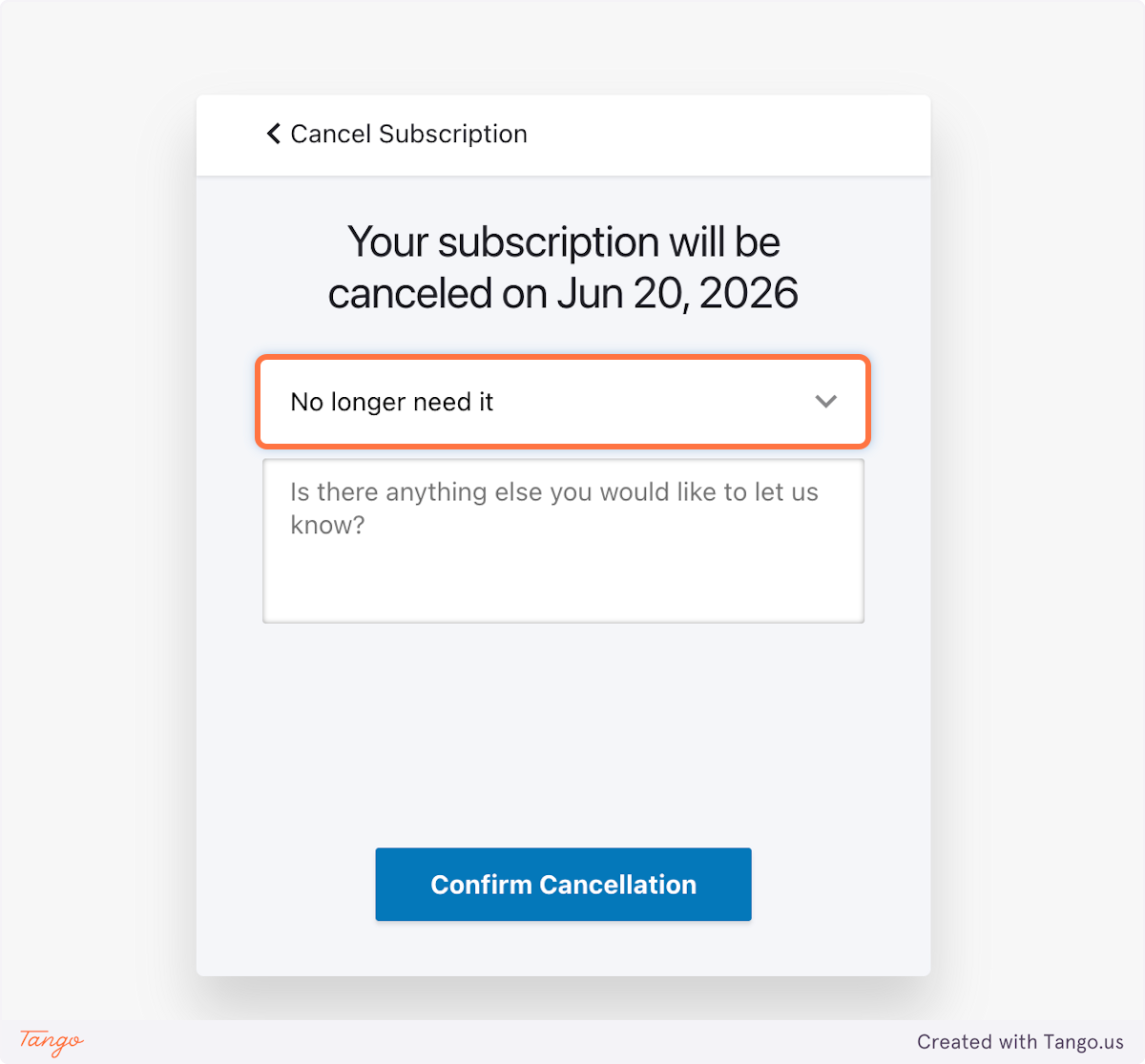
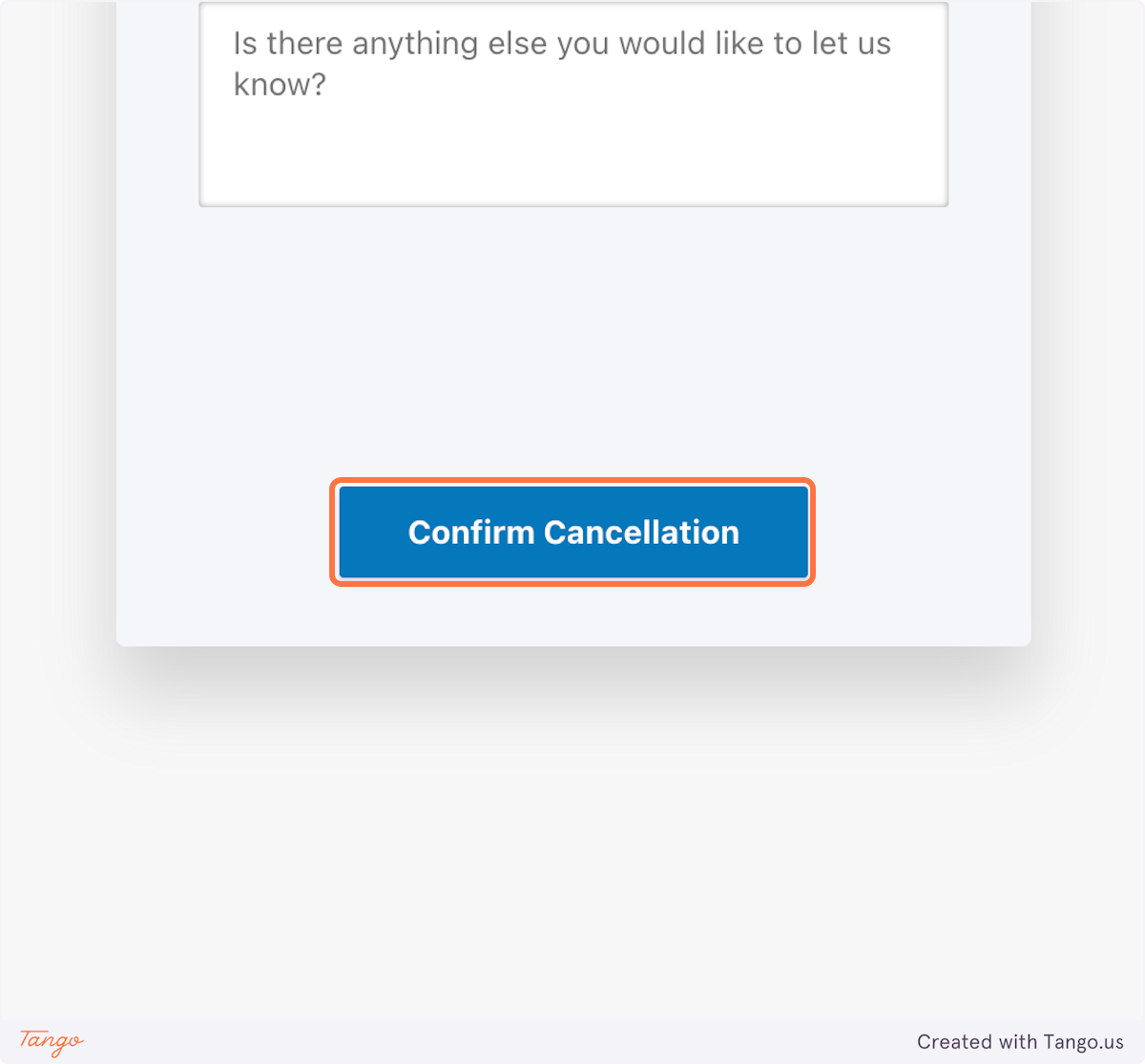
5. Click on Confirm Cancellation
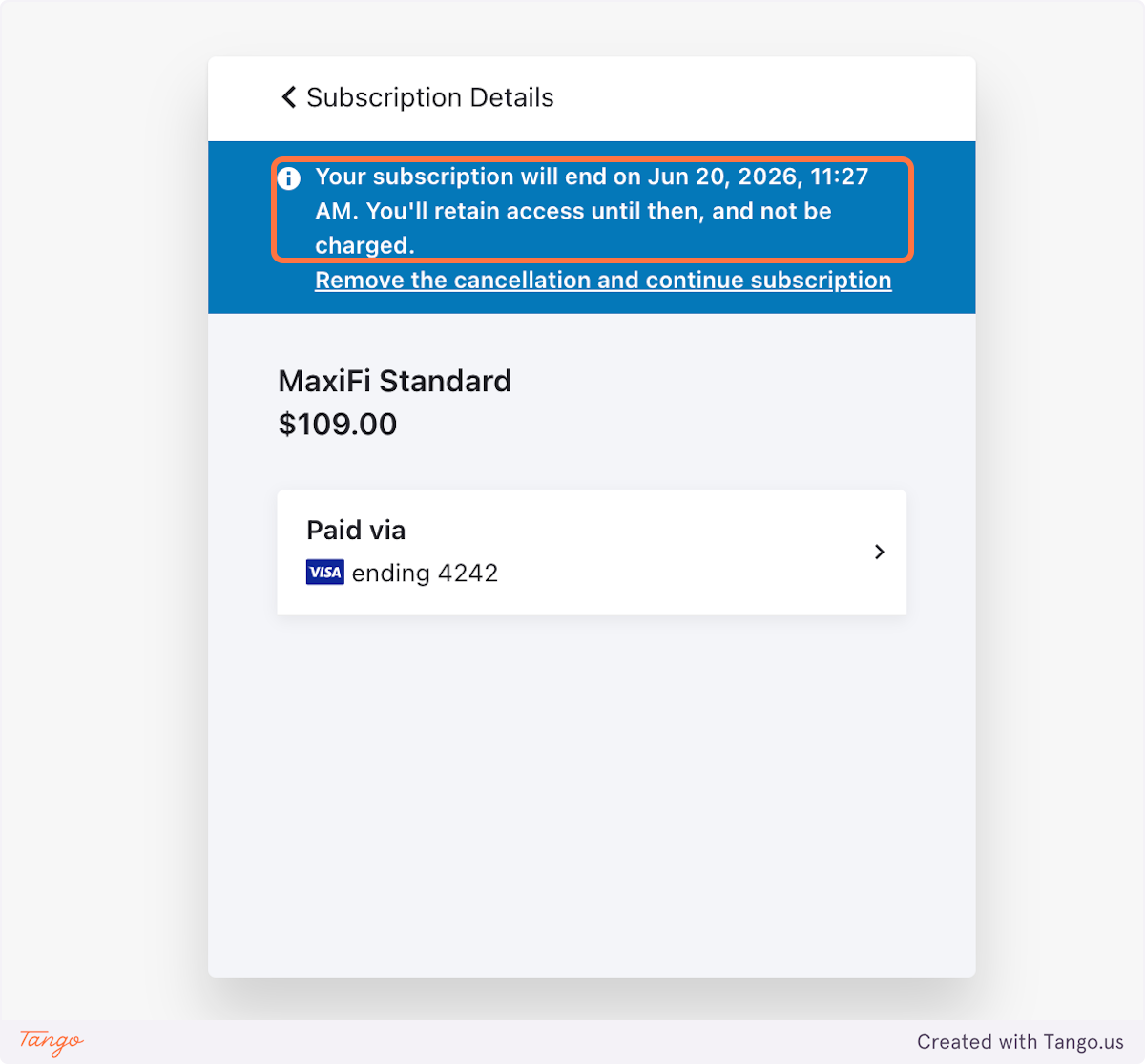
6. Your cancellation date and time will then be provided within your subscription details.