Important Note: If you don’t see the password reset email within a few minutes, please check your spam or junk folder. We also recommend adding maxifi@economicsecurityplanning.com (for MaxiFi users) or mmss@economicsecurityplanning.com (for MMSS users) to your email contacts to ensure future messages are delivered properly.
If you’re still unable to reset your password after trying the steps above, please contact our support team at maxifi@economicsecurityplanning.com with the subject line “Password Reset”, and we’ll be happy to help.
MaxiFi Login
Maximize My Social Security Login
Resetting Your Password
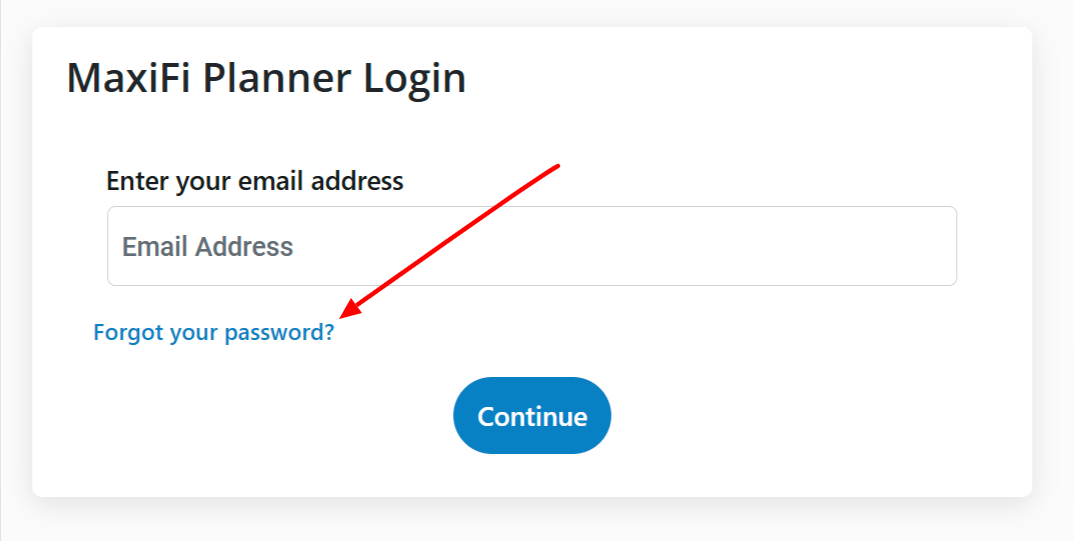
1. You can click directly on the "Forgot your password?" link.
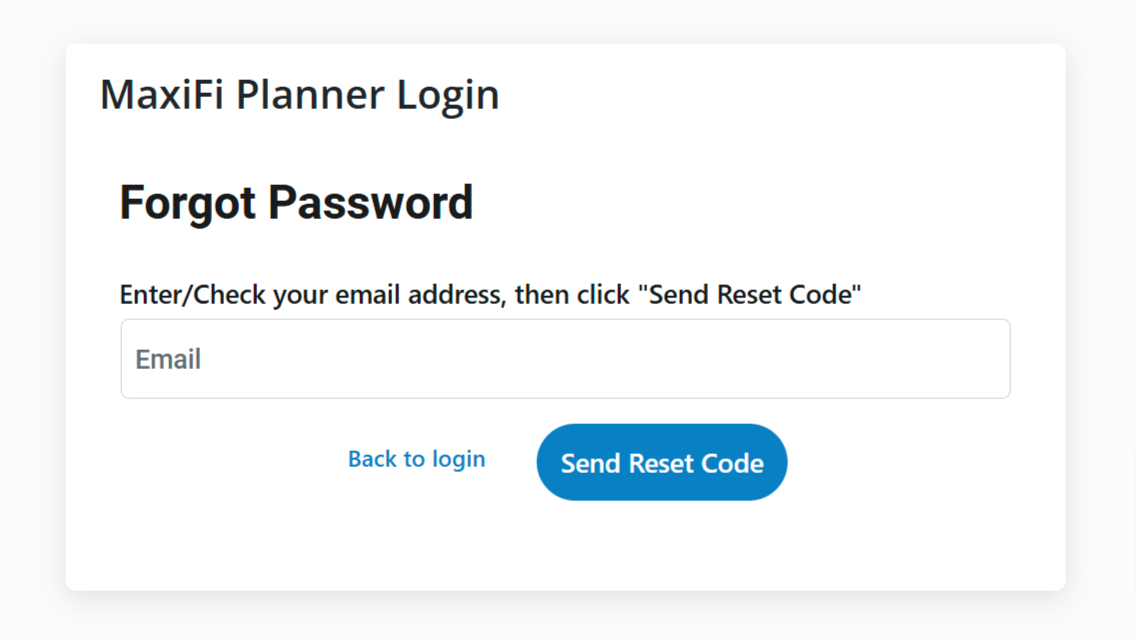
2. Enter your email as described below and click the "Send Reset Code" button.
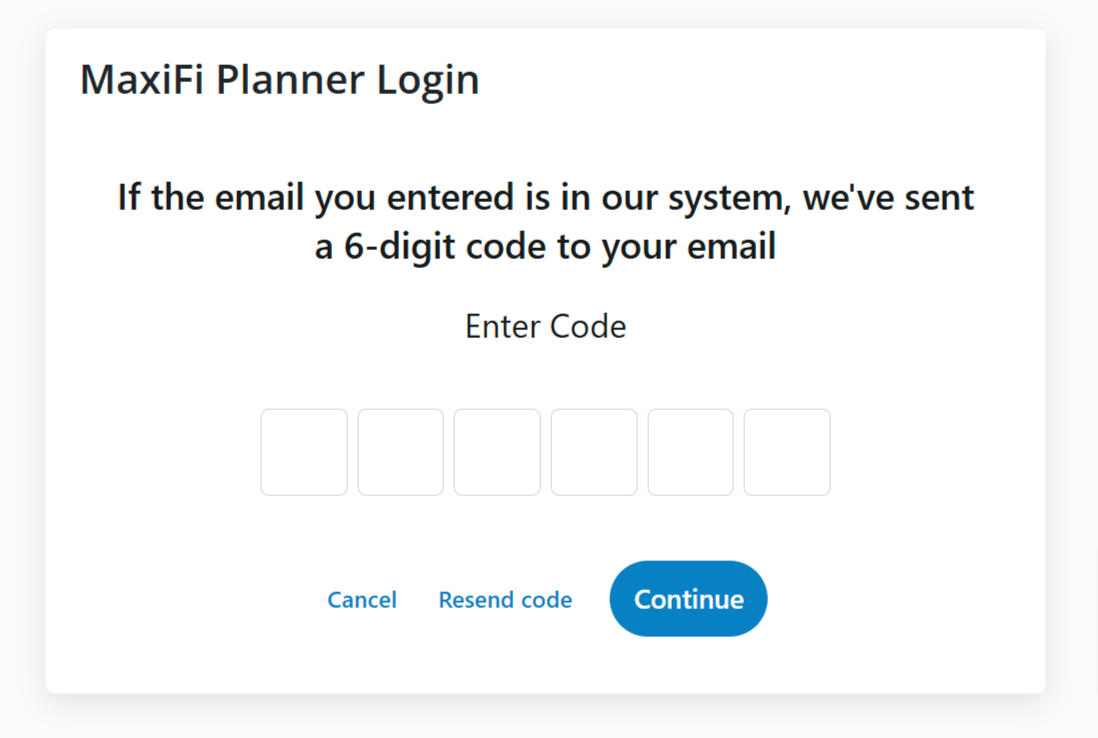
3. Check your email for the 6-digit code and copy/paste it into this form.